Debugging unittests in Nuke
The testrunner will automatically detect if you run it with an active debugger and will try to establish a connection from within the Nuke context. This will make it easy to debug your tests.
Warning
This feature is currently only available for IDEs which use the pydevd package (PyCharm, LiClipse).
Configuration for PyCharm
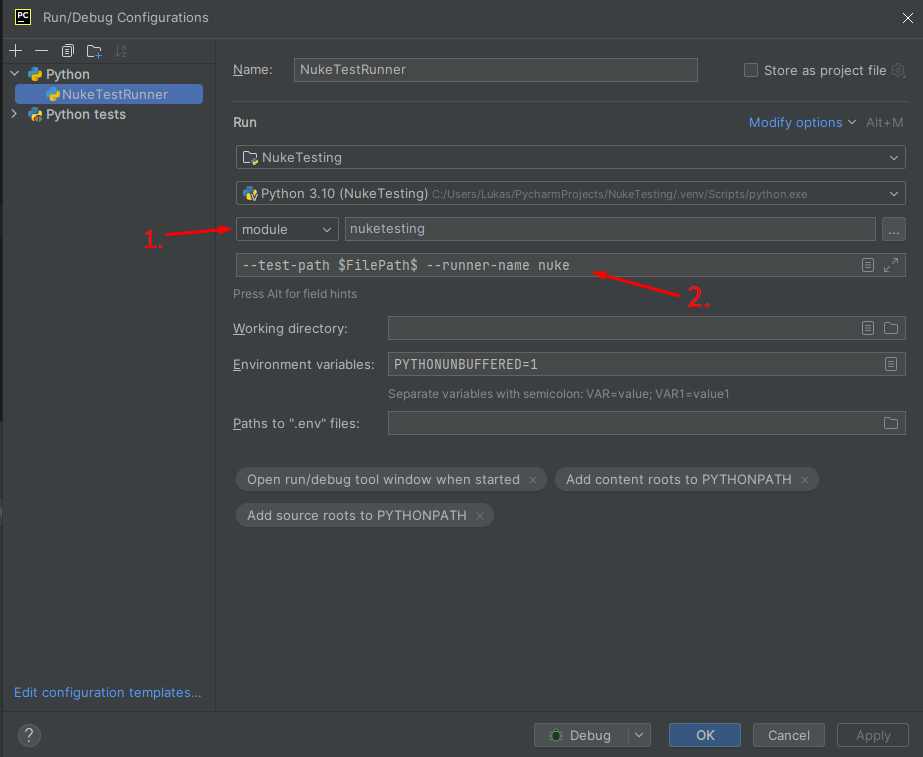
Create a new run configuration and select module as run option.
In the textfield, use nuketesting for running the testrunner with PyCharm.
Afterward, add the commandline arguments for the testrunner.
Now you can start and debug from within PyCharm!
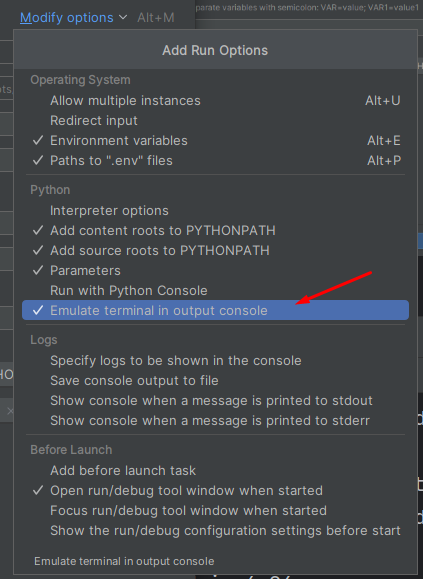
If you like the colors of pytest, you can select the Emulate terminal in output console run option to enable them in PyCharm: